Claude Takes Over Computers
Today, Claude has officially taken full control of human computers, outperforming OpenClaw. With just a smartphone, users can now command AI to work around the clock.
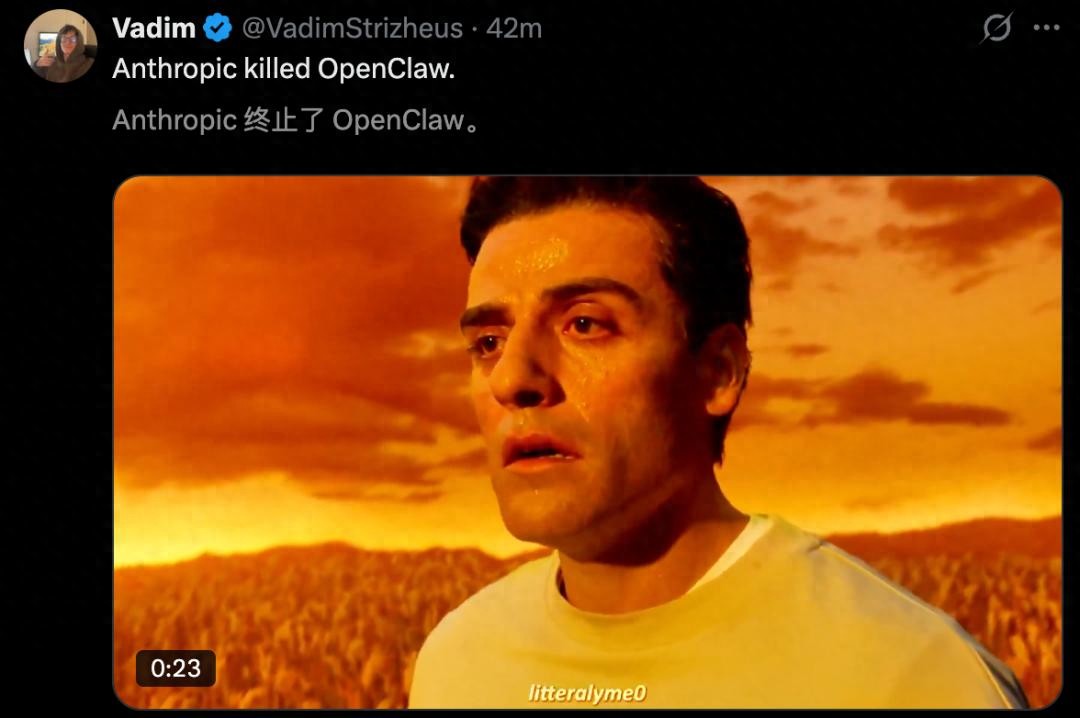

From now on, any task that can be performed on a computer can be handled by Claude.
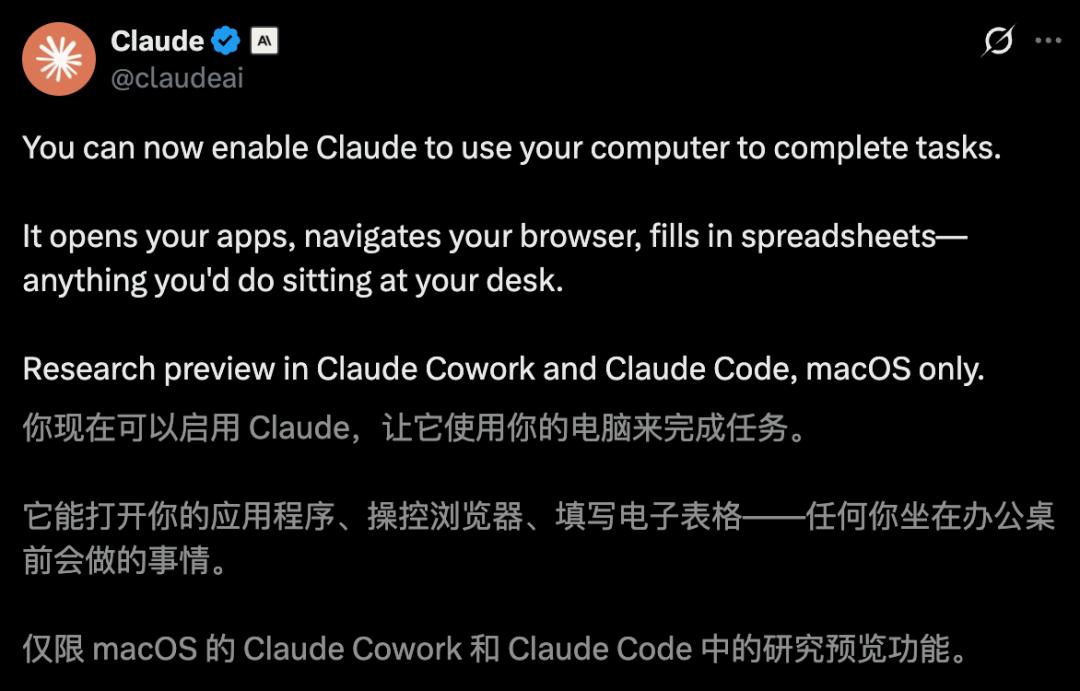
Whether it’s any app, browser, local files, or complex Excel tasks, Claude can autonomously access and operate them.
Moreover, with just a smartphone, users can send commands to Claude, and it will start working on the computer.

The true “Claude version of a lobster” has been born!
The announcement has caused a stir online, with users excitedly sharing that Claude can now take over computers.


Currently, the “preview version” of Claude Cowork and Claude Code is only available on macOS, with priority access for Pro and Max subscribers.
Claude’s Complete Control Over Computers
This moment marks Claude’s transition from a conversational agent to a fully capable “cyber employee.”
Anthropic scientist Alex Albert stated, “The future where we no longer need to open a computer to complete work is accelerating into reality.”

In the past week, Anthropic has released nine new features, all aimed at this ultimate goal.
The aim is to create a fully automated “digital human” that redefines the future of human-computer interaction.
Previously, various plugins and interfaces were needed, but now Claude can directly control the computer screen, manage files across applications, fill out forms, and execute tasks like a human.
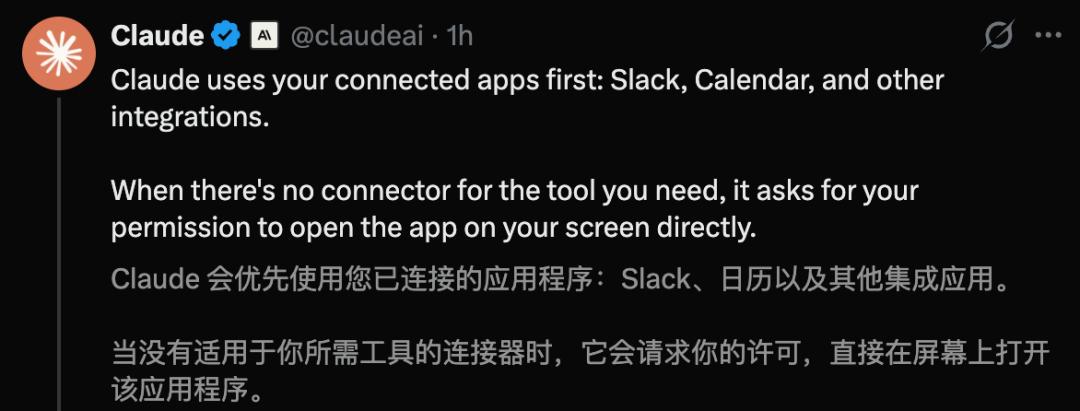
Claude prioritizes using Slack, calendars, and other connected applications when controlling the computer.
When faced with software that lacks plugins, it will proactively request permissions before proceeding.
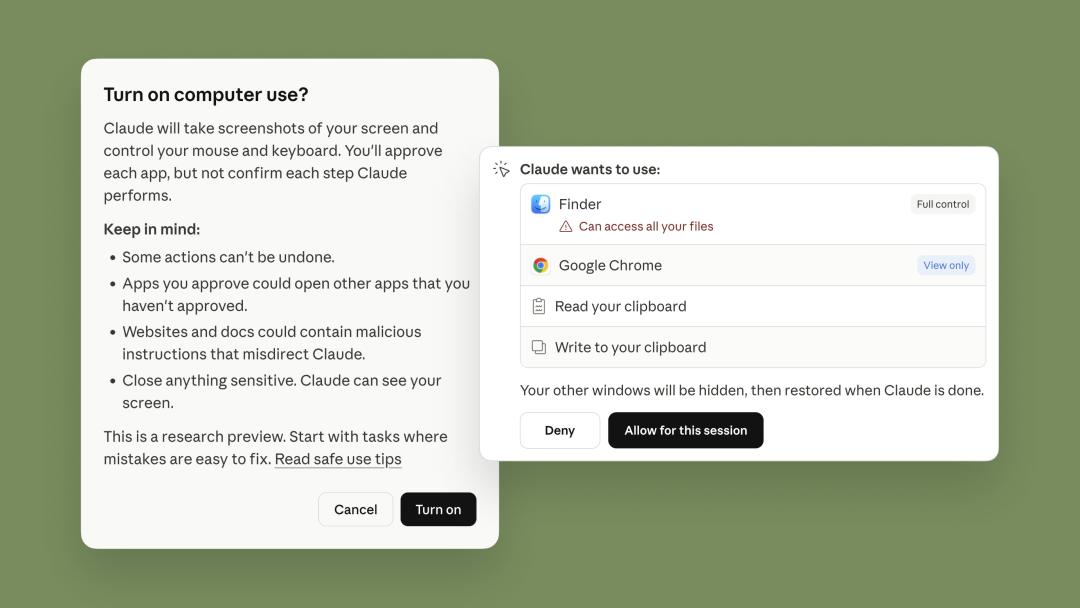
Users only need to assign a task to Claude via their smartphone and can then attend to other matters. When they return to their workstation, the task will be completed flawlessly.
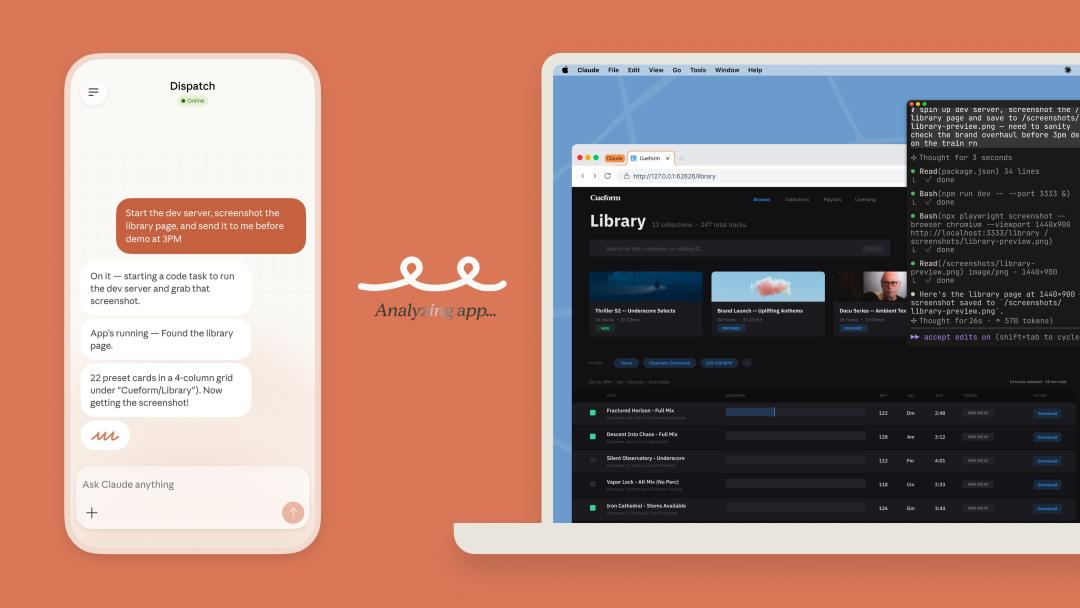
In the official demo, Claude anticipated various scenarios for users.
PPT on the Computer, But Not at Hand
On the way to a meeting with no computer in sight, users can simply say, “Claude, convert my roadshow PPT to PDF and attach it to the 2 PM meeting invite.” Claude handles everything efficiently.
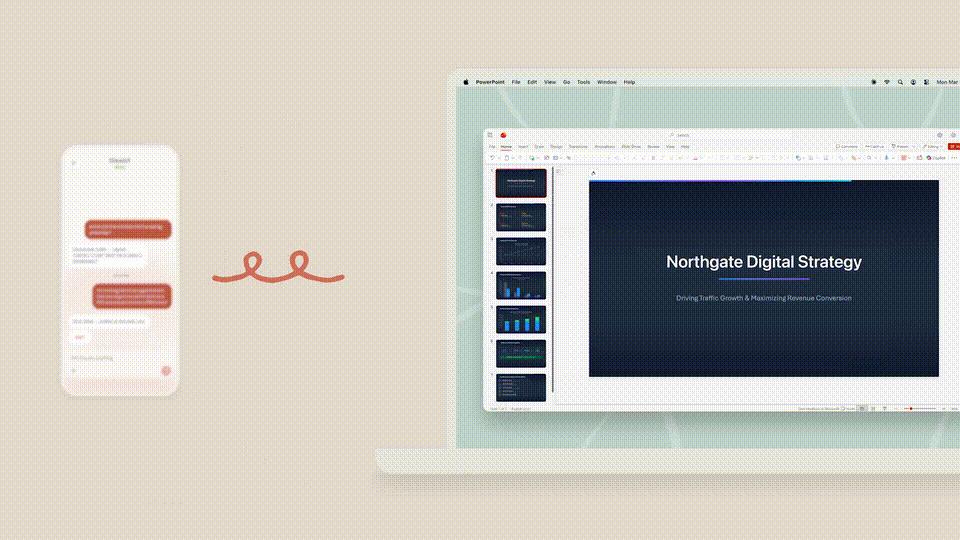
Need to Check Software Version While on a Train
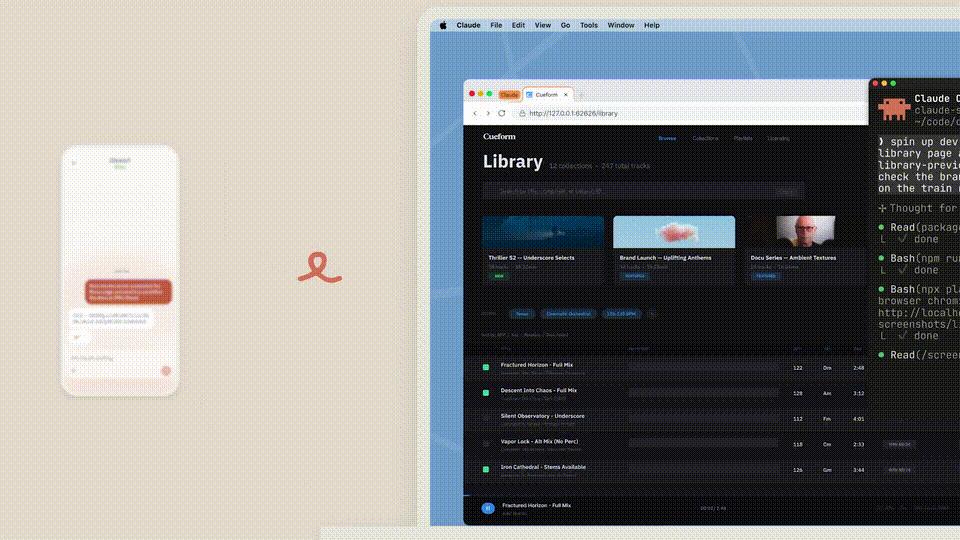
If users are on a train with spotty signal and need to verify a software version, they can just call Claude.
Claude executes the entire process seamlessly:
- Starts the development server in the background
- Takes a screenshot of the Library
- Sends it to the phone at the scheduled time (3 PM)
A Bunch of Photos to Process, But Have Dinner Plans
If users have a pile of photos to edit but have dinner plans, Claude can come to the rescue. A simple command allows it to batch process the photos on the desktop—resizing them to 1200 pixels PNG and adding a white logo in the corner.
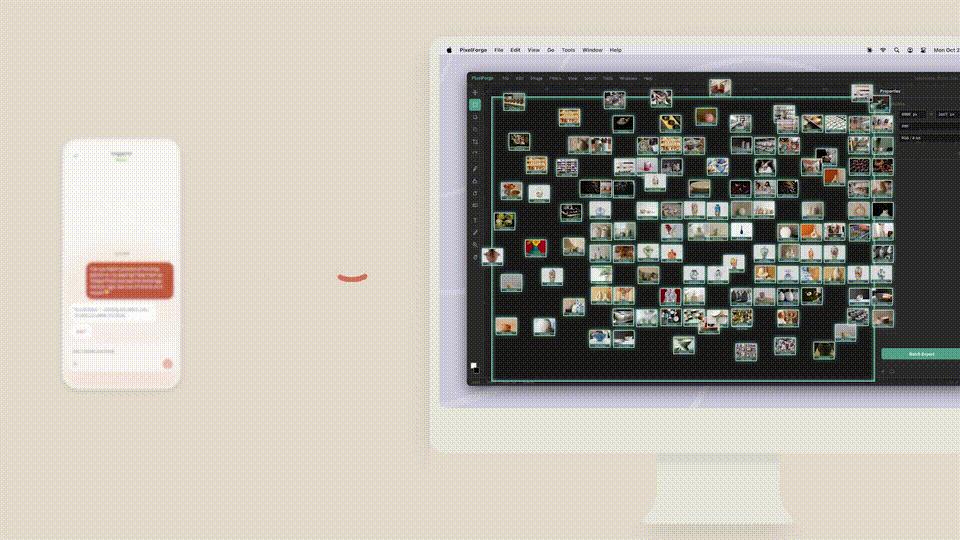
With just a few words on the phone, Claude enters “crazy work mode.”
This experience of having a portable “AI assistant” is something users will appreciate.
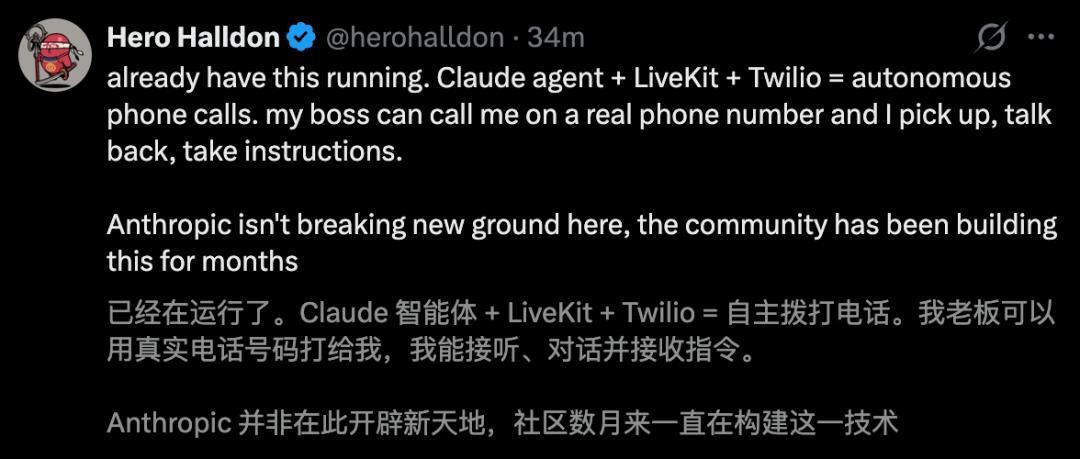
It seems Claude has taken over everything OpenClaw could do, marking a complete transformation.
Some users even joked, “OpenClaw can be uninstalled with one click; this is the true Clawdbot.”

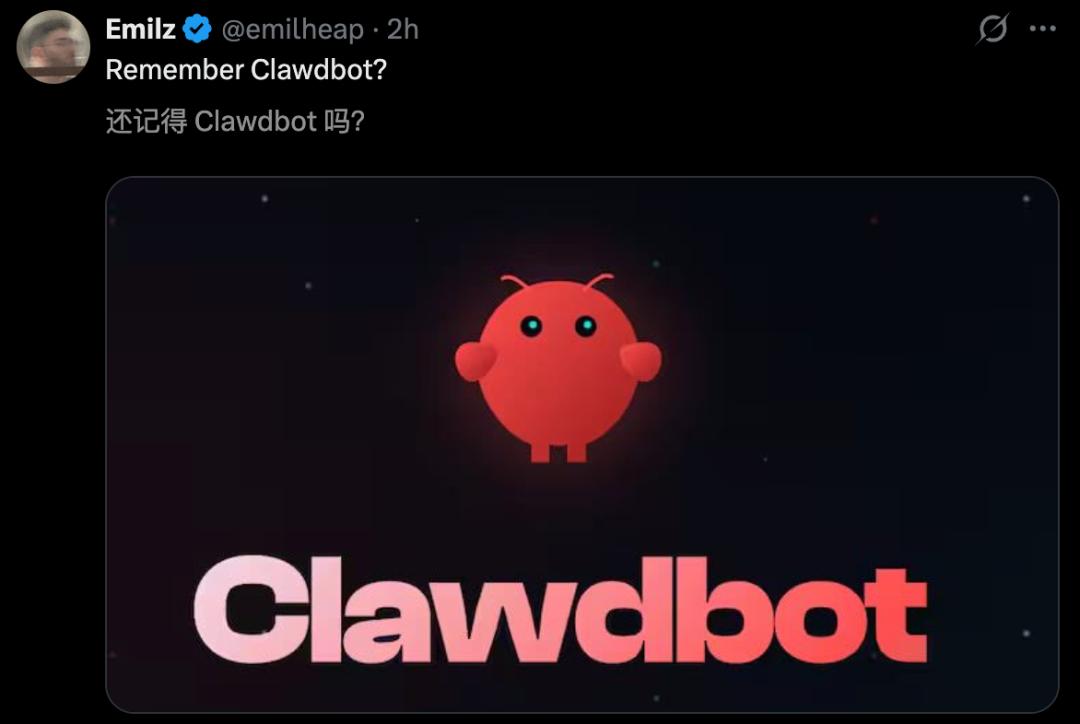
Even Phones Are Not Exempt
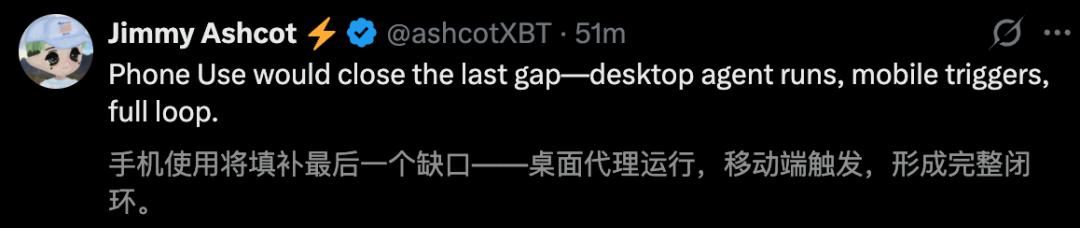
In a major development, sources reveal that Anthropic is secretly developing a feature that could revolutionize mobile interaction—Phone Use.
In other words, Claude on everyone’s phone is about to gain a “body,” allowing it to read screens and take over various applications.
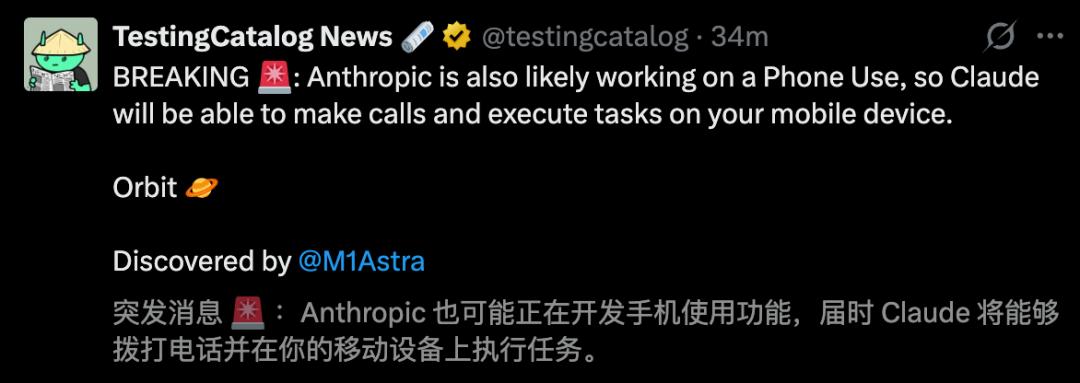
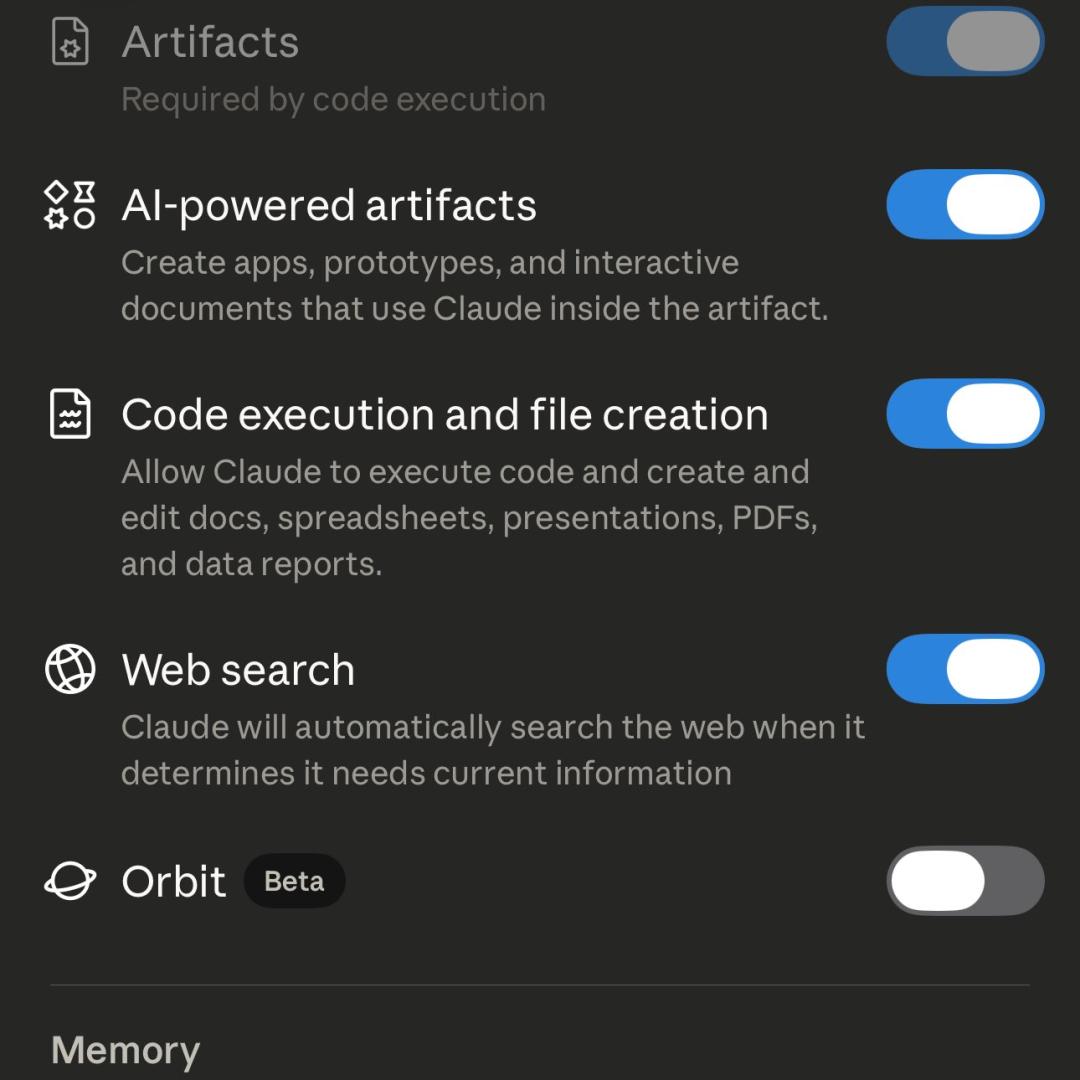
Some clues have corroborated this revelation. Developers have already discovered a new option labeled “Orbit” in Claude’s mobile settings, marked as Beta and defaulting to off.
Leaked code change records also show the addition of phone_use and phone_call_completed tool fields.
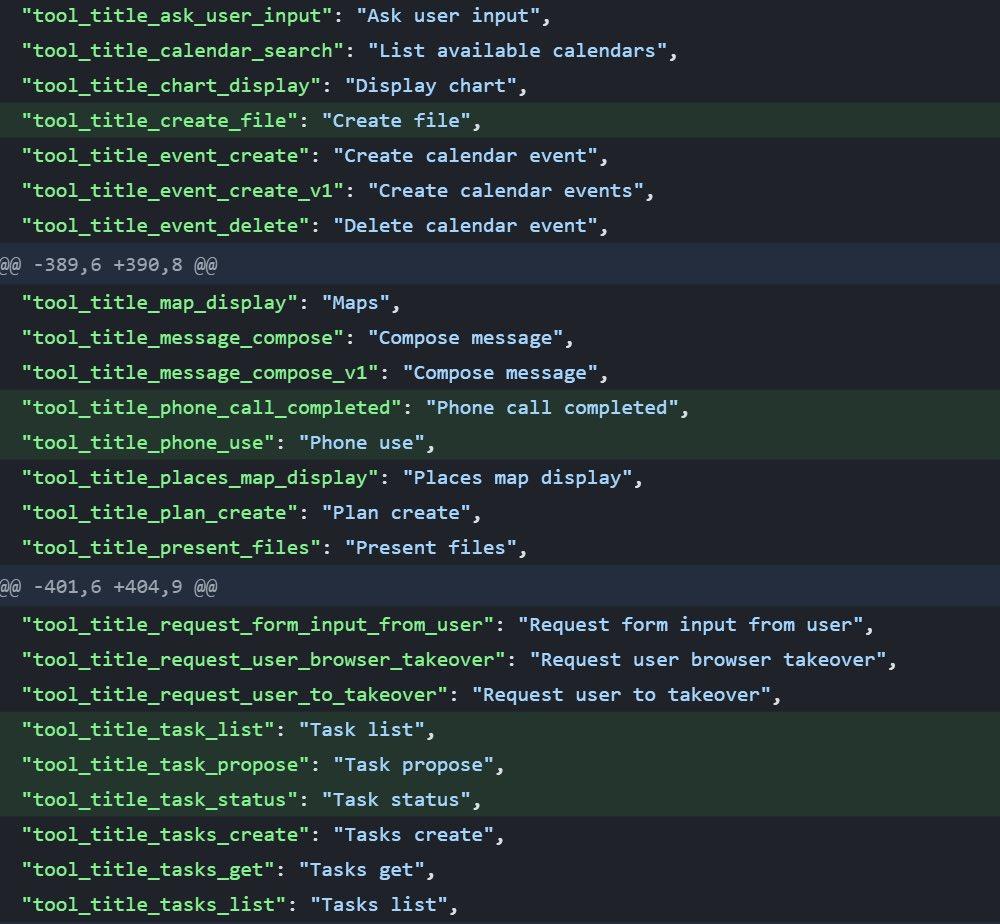
Imagine a future where a simple command allows Claude to make phone calls, book restaurants, and seamlessly switch between complex app interfaces.
Such a Claude would surpass a voice assistant, becoming an agent capable of real-time execution on mobile devices.
At that point, from computer use to mobile use, all screens will be its workplace.

One-Click Hiring of Claude for 24/7 Work
Taking over computers is just the first step; Anthropic’s greater ambition is to teach Claude to “work on its own.”
Now, by entering a single line command /schedule in the terminal, users can create a cloud-based scheduled task for Claude.
No need to write cron expressions or configure CI pipelines; just describe in natural language what users want Claude to do and how often, and it will handle the rest.
For example, users can input:
/schedule create a daily task to check all PRs submitted yesterday, automatically update the documentation based on code changes, and send the updates to the #docs-update channel via Slack MCP.
In seconds, Claude will respond with a green confirmation: ✓ Scheduled job created — 9am on weekdays, along with a cloud trigger link.
With one command and a simple description, Claude will automatically check the code repository, synchronize documentation, and notify the team every weekday morning at 9 AM.
Notably, this process is already operational within Anthropic.
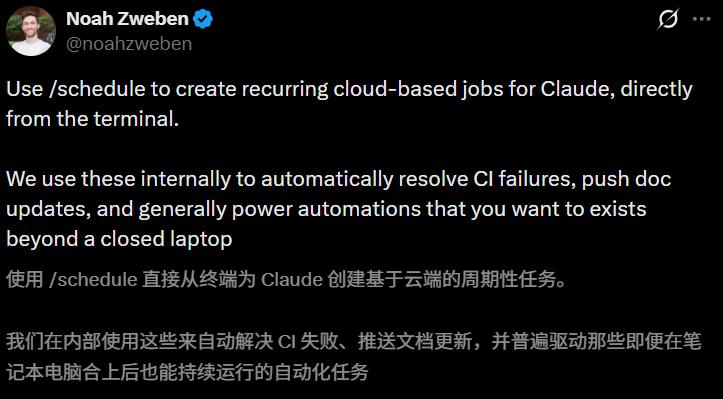
Claude Code’s product manager Noah Zweben expressed excitement, stating that the team has been using /schedule as infrastructure for tasks like automatically fixing CI errors and updating documents. All these “jobs that need to run in the background even when the computer is closed” are managed by /schedule.
They even have a scheduled task dedicated to maintaining a Go language twin version of their active Python library.
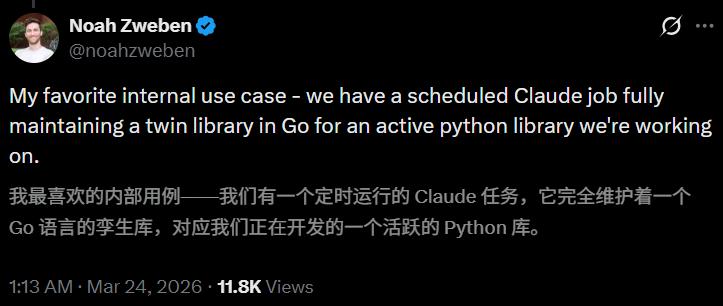
In other words, Claude is not just helping users write code; it is automatically synchronizing and maintaining an entire cross-language codebase 24/7.
While users sleep, it works. While users are on vacation, it continues to work.
A tireless, automation employee that never sleeps, takes no leave, and never slacks off is officially on duty.
Comments
Discussion is powered by Giscus (GitHub Discussions). Add
repo,repoID,category, andcategoryIDunder[params.comments.giscus]inhugo.tomlusing the values from the Giscus setup tool.